OpenAI Account & API
In order to make the MultiGPT work it is required to have an API key from the OpenAI
Opening an OpenAI account is free and you will get a free $18USD credit (This expires in 3months from the time you have sign up) for your API without adding any card to the account. But once you have used all of your credits or they are expired you need to add a mastercard and need to move on pay-as-you go plan. But that will charge you depending on you API usages.
Sign Up
Skip this step if you already have an account.
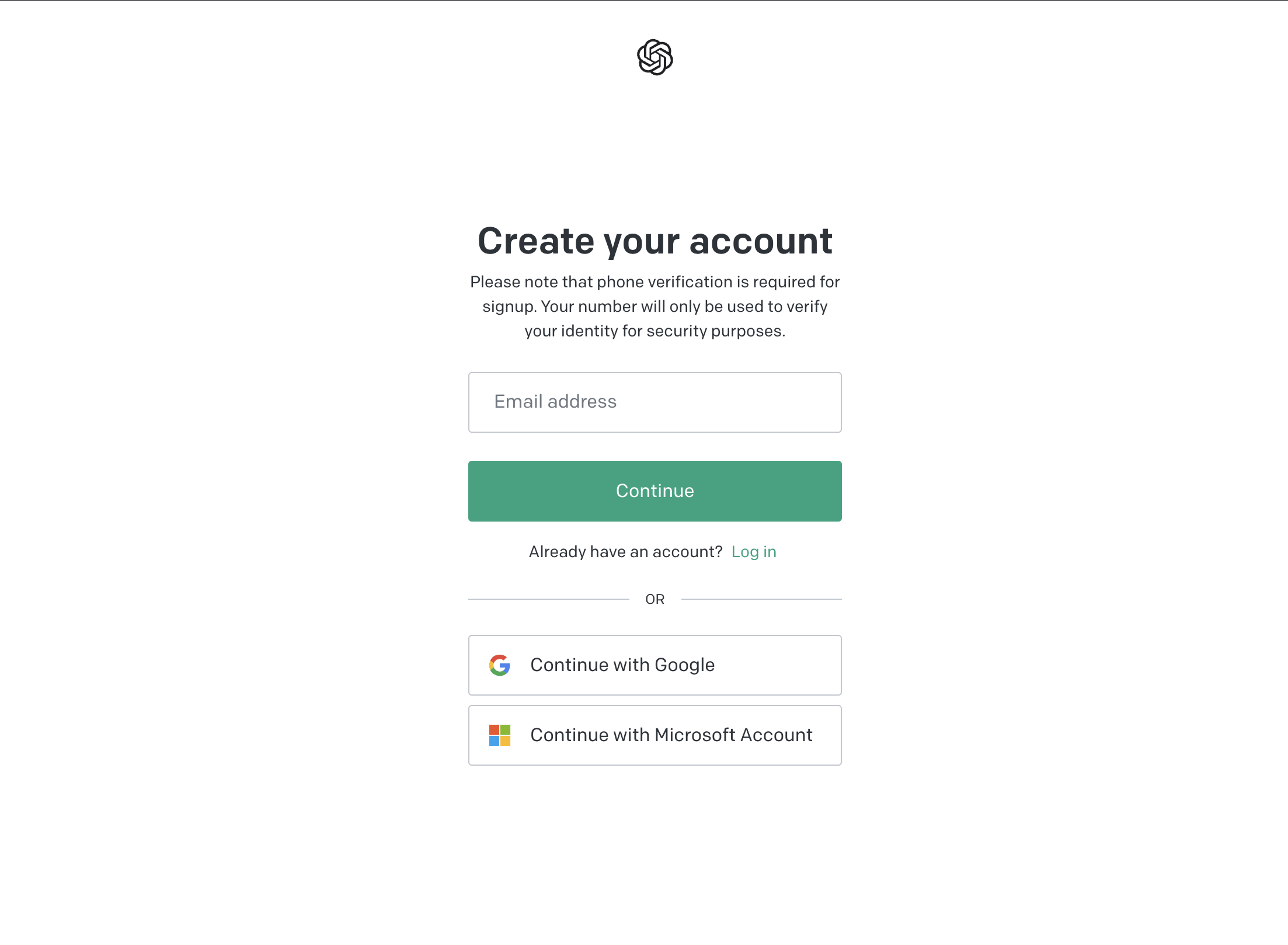
To sign up for a new account visit platform.openai.com
You can use a Email or Microsoft account or a Google Account to Sign up And after you are done you will be also asked to verify your mobile number to activate your account.
Login
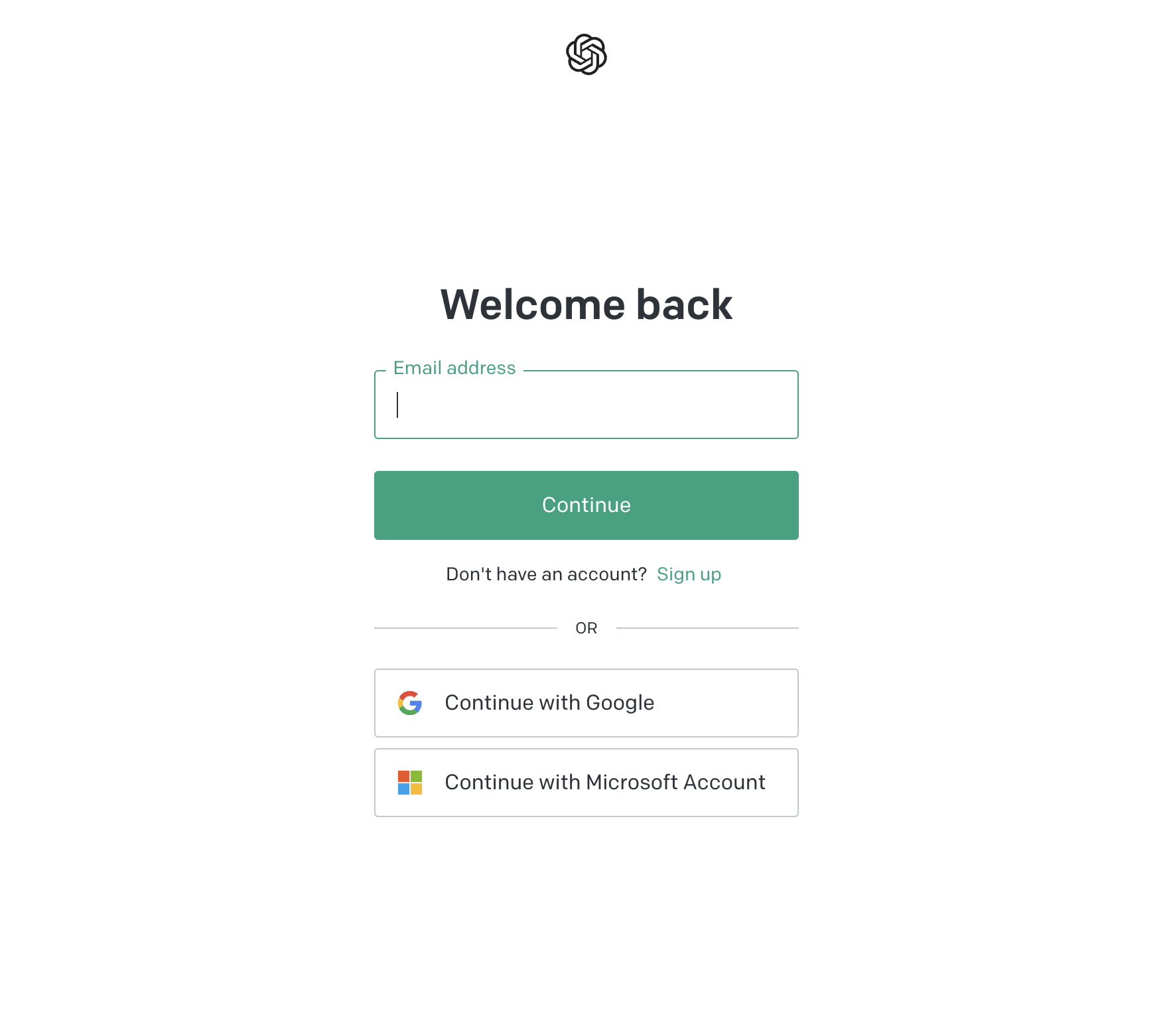
Login with your existing account at platform.openai.com
Obtaining API keys
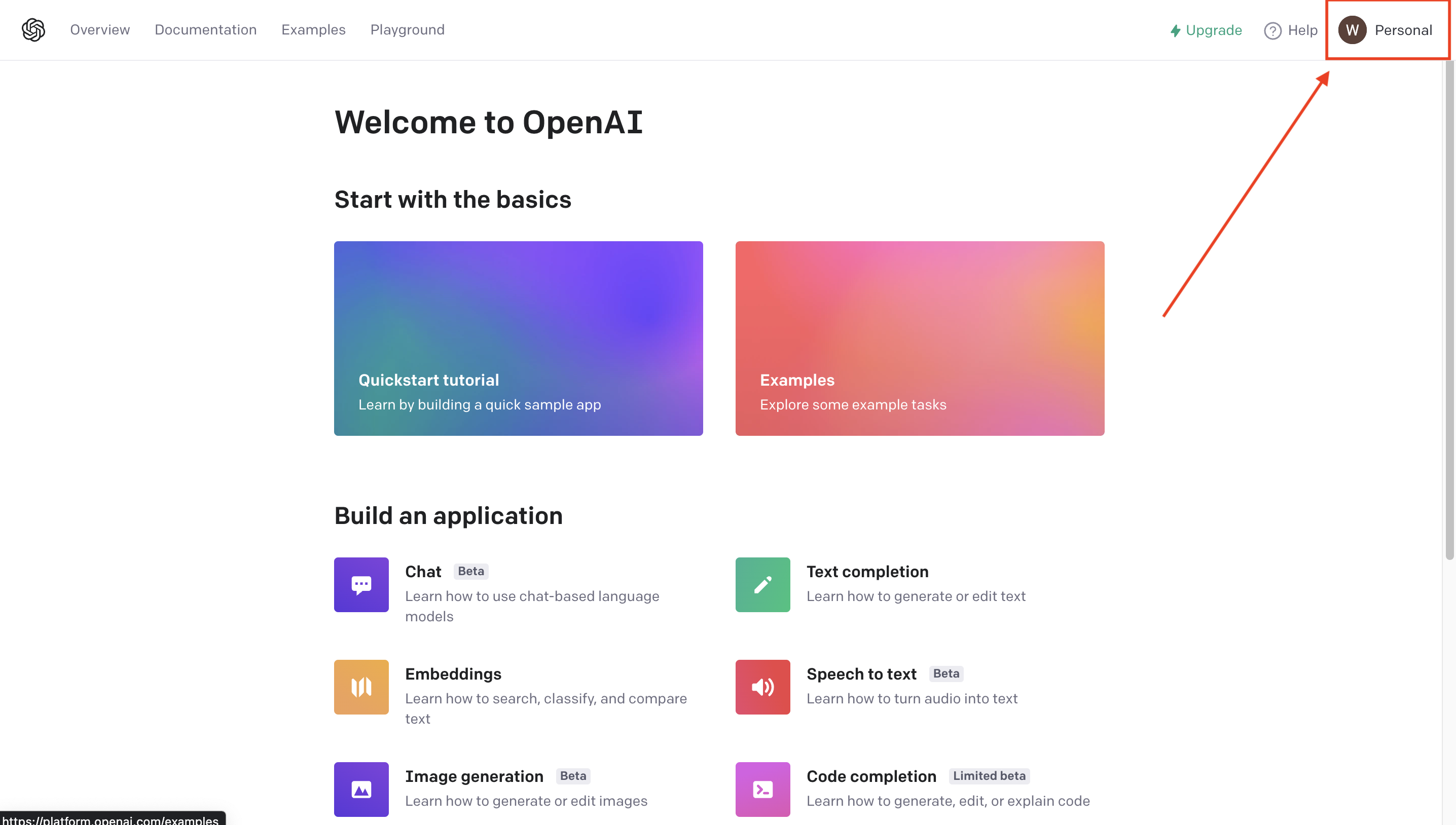
After you are logged in visit The OpenAI Dashboard & Click on your name. It in on the top right of the dashboard.
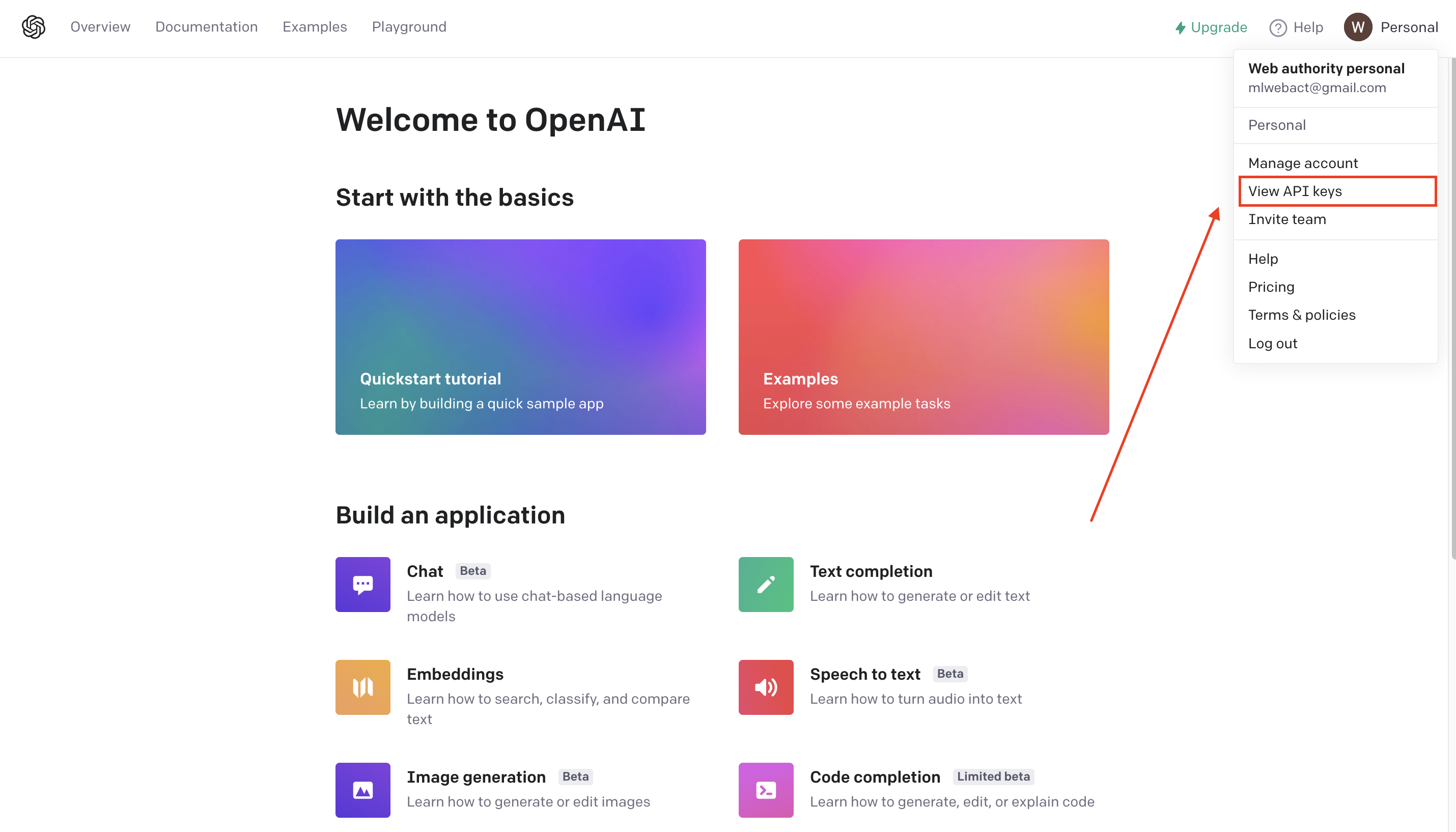
Then you will find the option called View API Keys click on it and it will redirect you to the main API management dashboard.
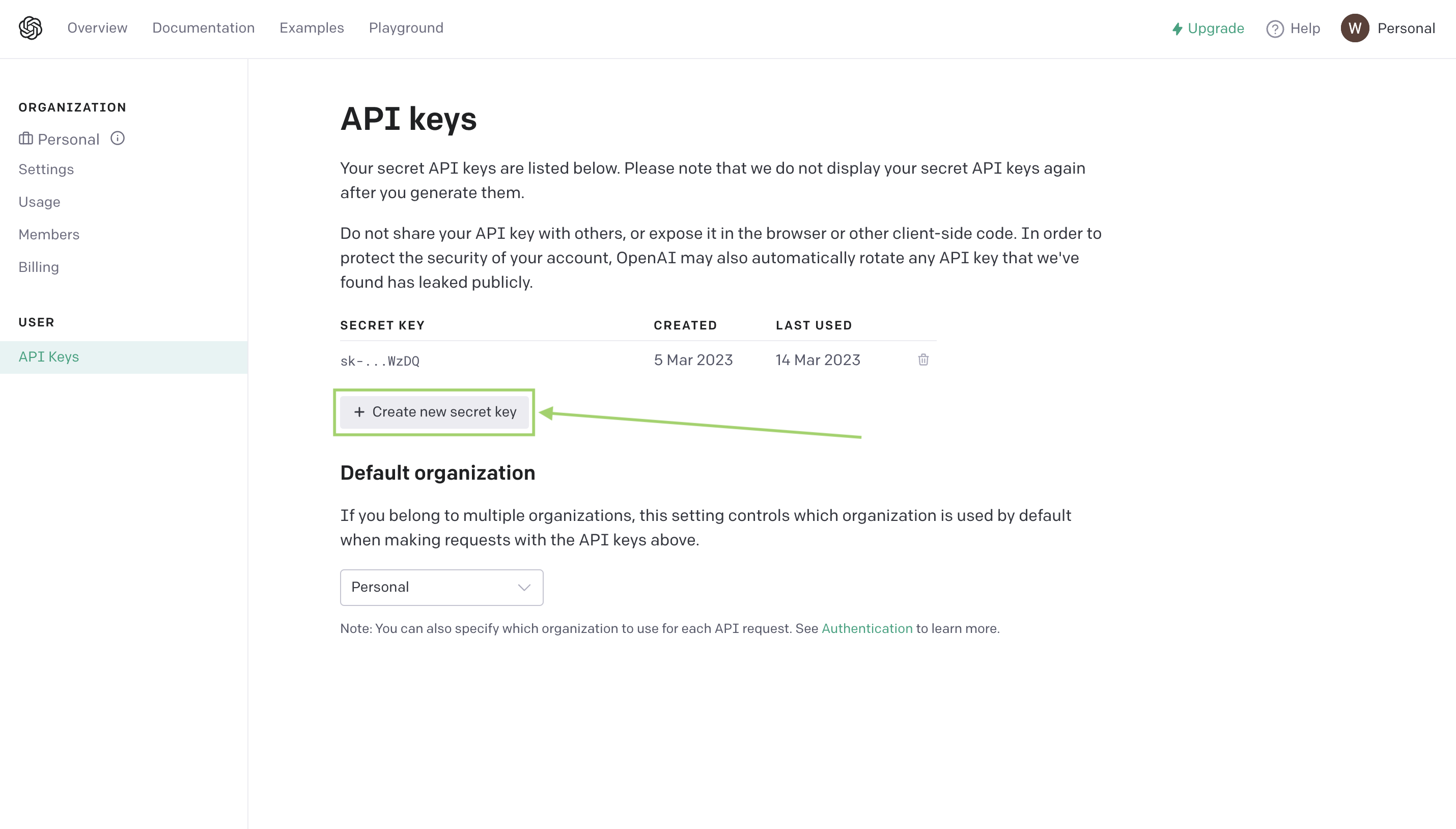
Then click on Create new secret key. Then it will create a new secret key for you & you must save it as you can't see it in the future.
So, we are done here. Now we can move on to the next part.